From quantities to equations.
Compare counters and fractions, predict a function’s graph, or solve an equation and explain each step.
Template: Model, graph + solve
 Sign in
Choose a page. Add a model or a place to respond. Teach the idea, then open an activity when it needs more room.
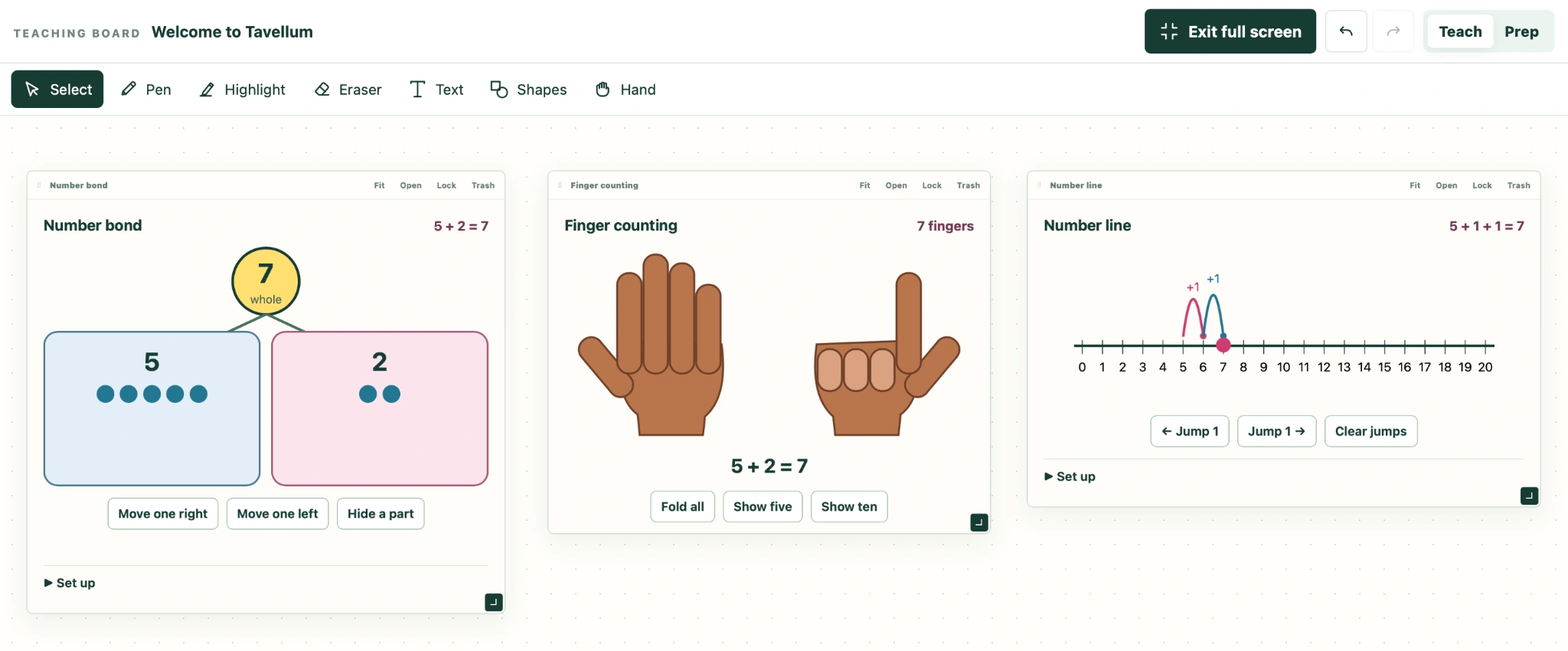
Bring the curriculum you already chose. Arrange a page, a working model and a place to respond around the question you’re exploring.
Keep the whole PDF in Shelf. Bring just the pages you need onto the board, with a template or a few tools you choose.
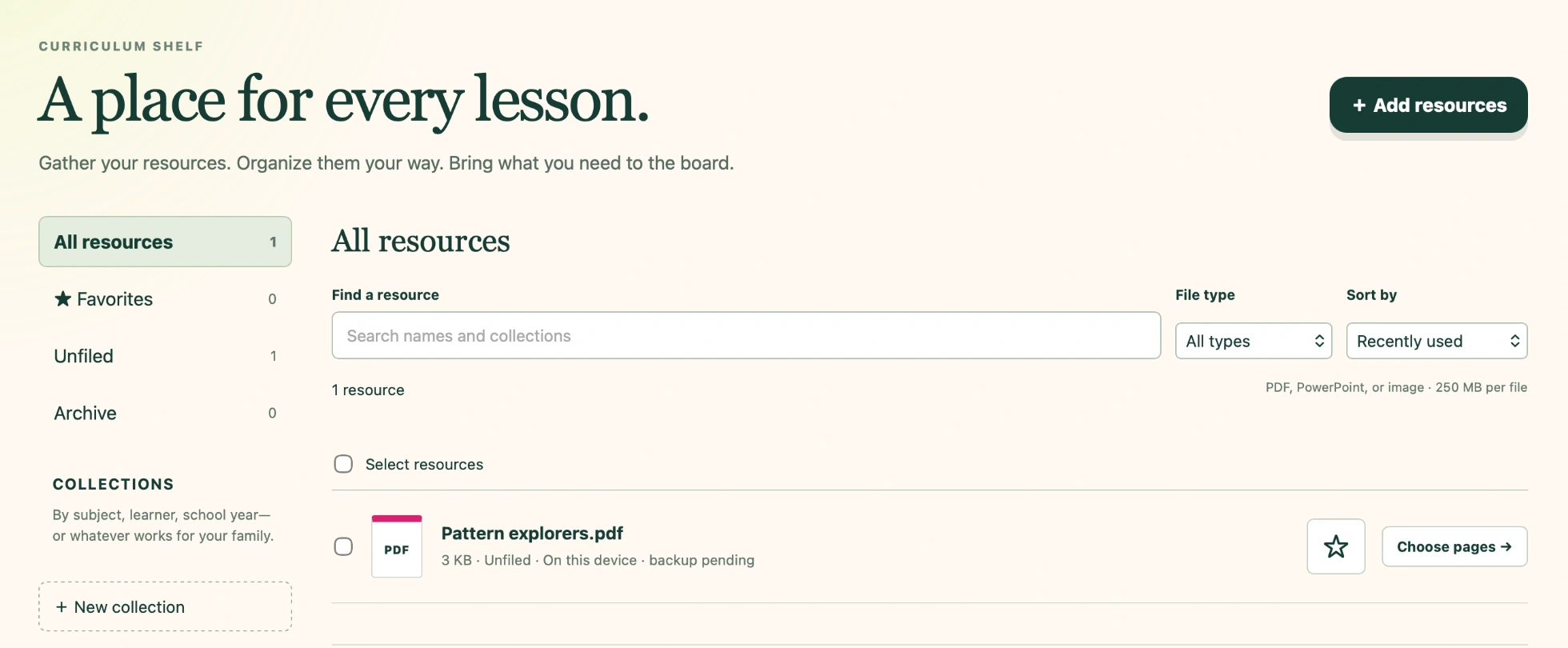
Add a model, a note or a response space. Count, draw, write and make a correction while the original page stays in view.
Reopen the saved board with its materials, notes and learner responses. Keep a question in Pins or plan a return in Calendar. Use learner profiles to keep each child’s work together, then export a lesson to share with another parent.
Public practice resets when you change materials or leave. It does not change your family workspace.
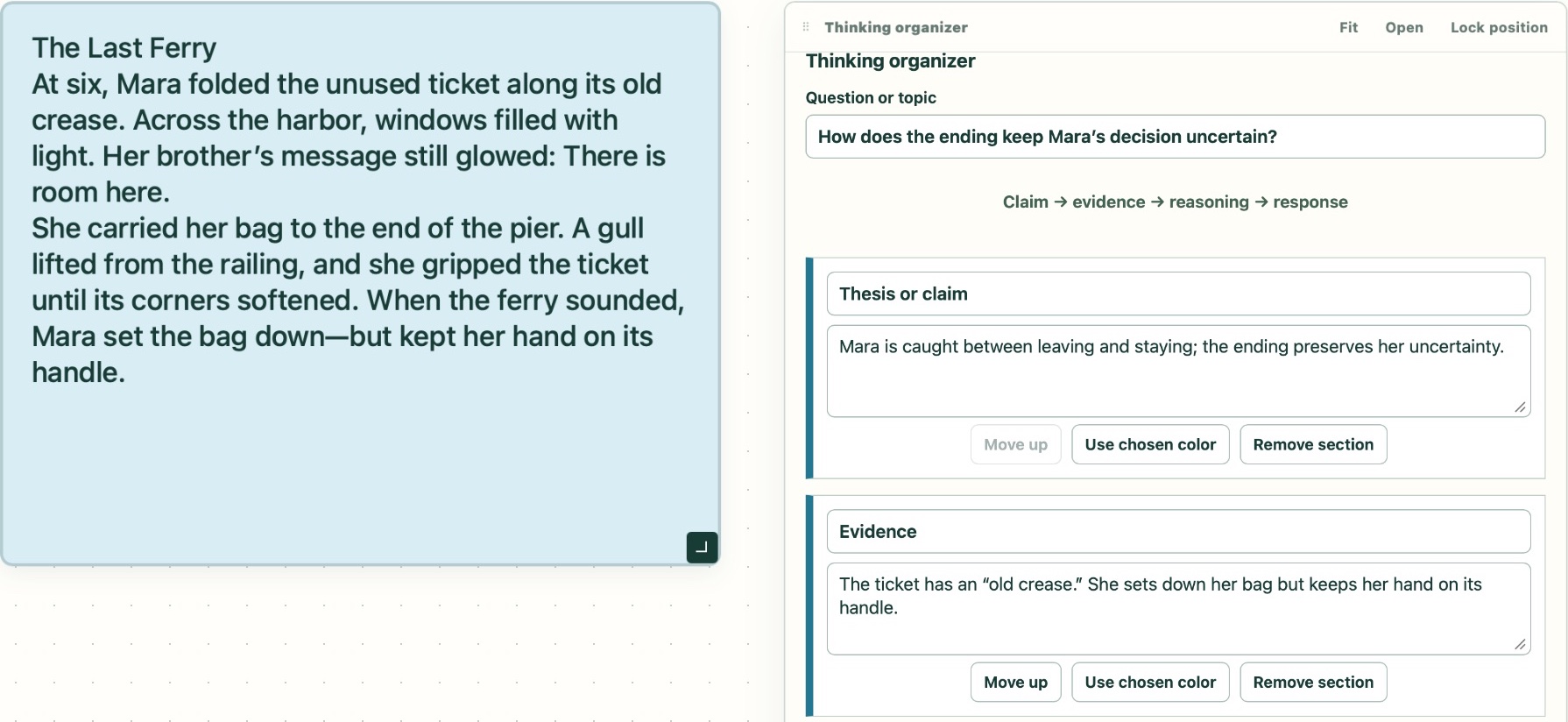
Keep the source beside a claim and its evidence. Consider another reading, then open the writing activity when an explanation needs more space.
In this sample lesson, a short original passage becomes the source for a thesis, a quotation and an alternative interpretation.
The same lesson’s focused writing view holds the prompt and a complete interpretation. Return to the board to reconnect it with the source and organizer.
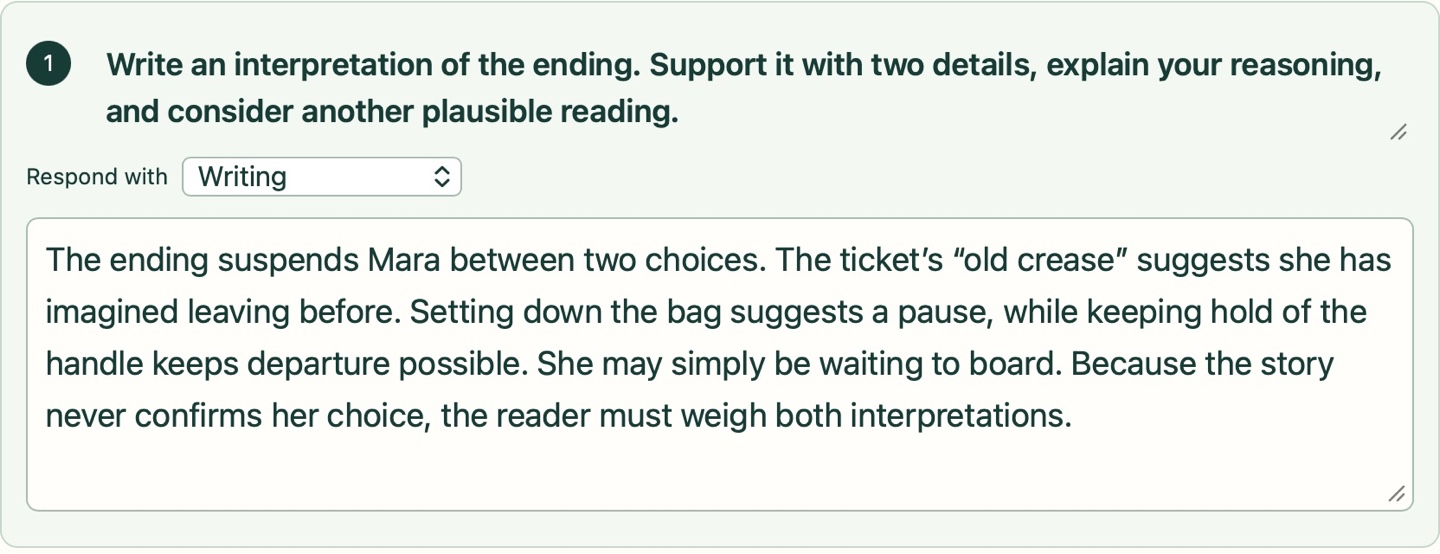
An original sample passage and sample responses, shown in two views of one lesson.
Explore the materials for your next questionStart with a template, then adapt it to the learners at your table.
Compare counters and fractions, predict a function’s graph, or solve an equation and explain each step.
Template: Model, graph + solveCompare perspectives, collect evidence, and write a claim with reasoning beside the original text.
Template: Sources + an argumentEnter your own trial results, compare the data, and separate an observation from a conclusion.
Template: Data + an investigationKeep a shared question with separate response spaces. Choose a learner for each task and adjust the prompts.
Template: One source, two levelsSee individual teaching tasks: choosing a page, moving number-bond parts, changing an array and annotating a pattern lesson. These are separate examples.
Bring a page. Move the parts. Try an idea. Keep the plan nearby.
The video opens on a board showing seven in three ways. A PDF page is selected from Shelf and placed on the board. Counters move between the two parts of a number bond while the whole stays at ten. Rows and columns change in an array, then the mat is cleared. Blue ink is drawn around the answer spaces on a pattern lesson in Present. The video ends on a Calendar and learner agenda.
Select a stored PDF page and place it on the Teaching Board. 6.5 seconds. No sound.
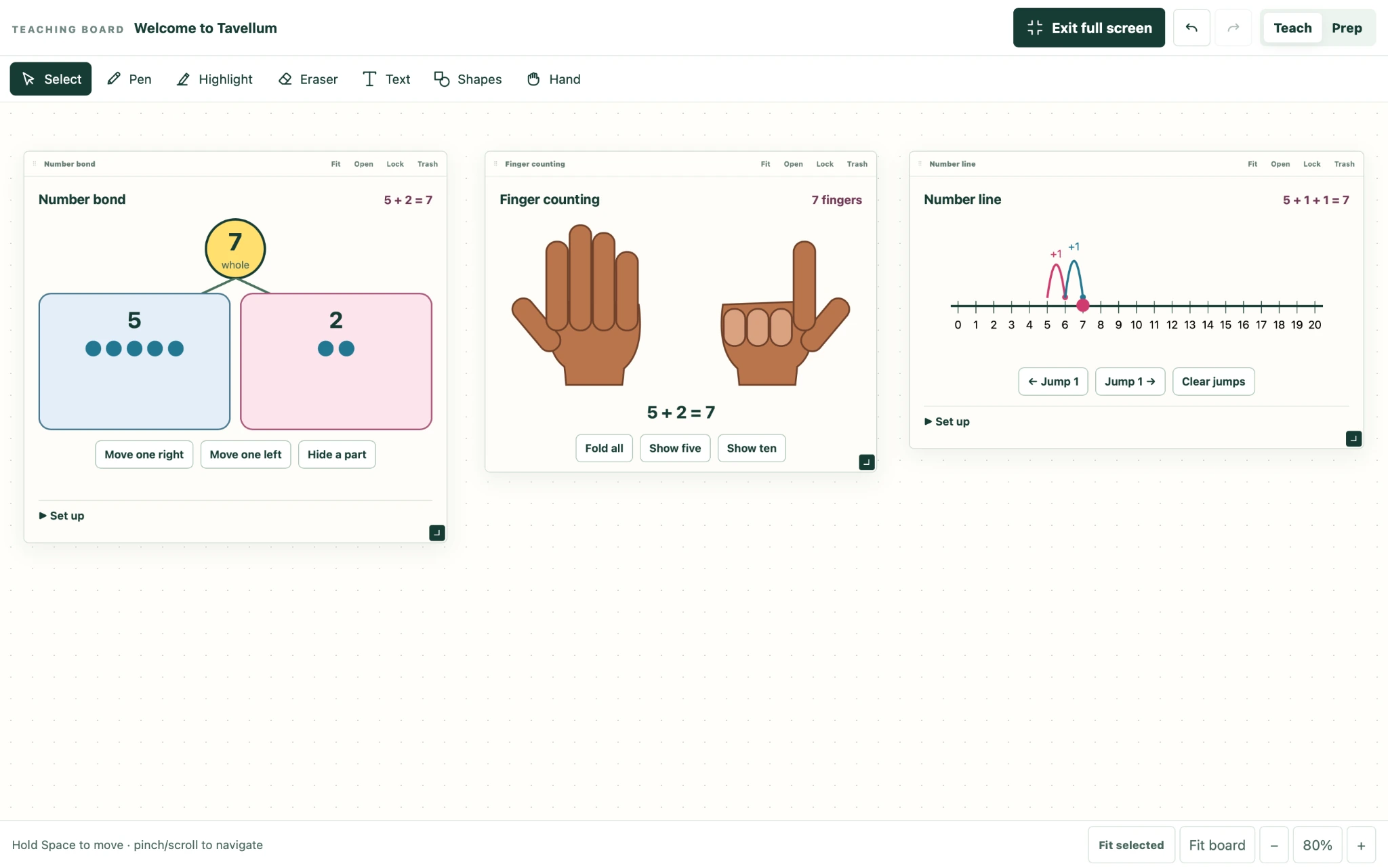
A number bond, fingers, and number-line jumps. Keep different ways of thinking on the same board.
View the full picture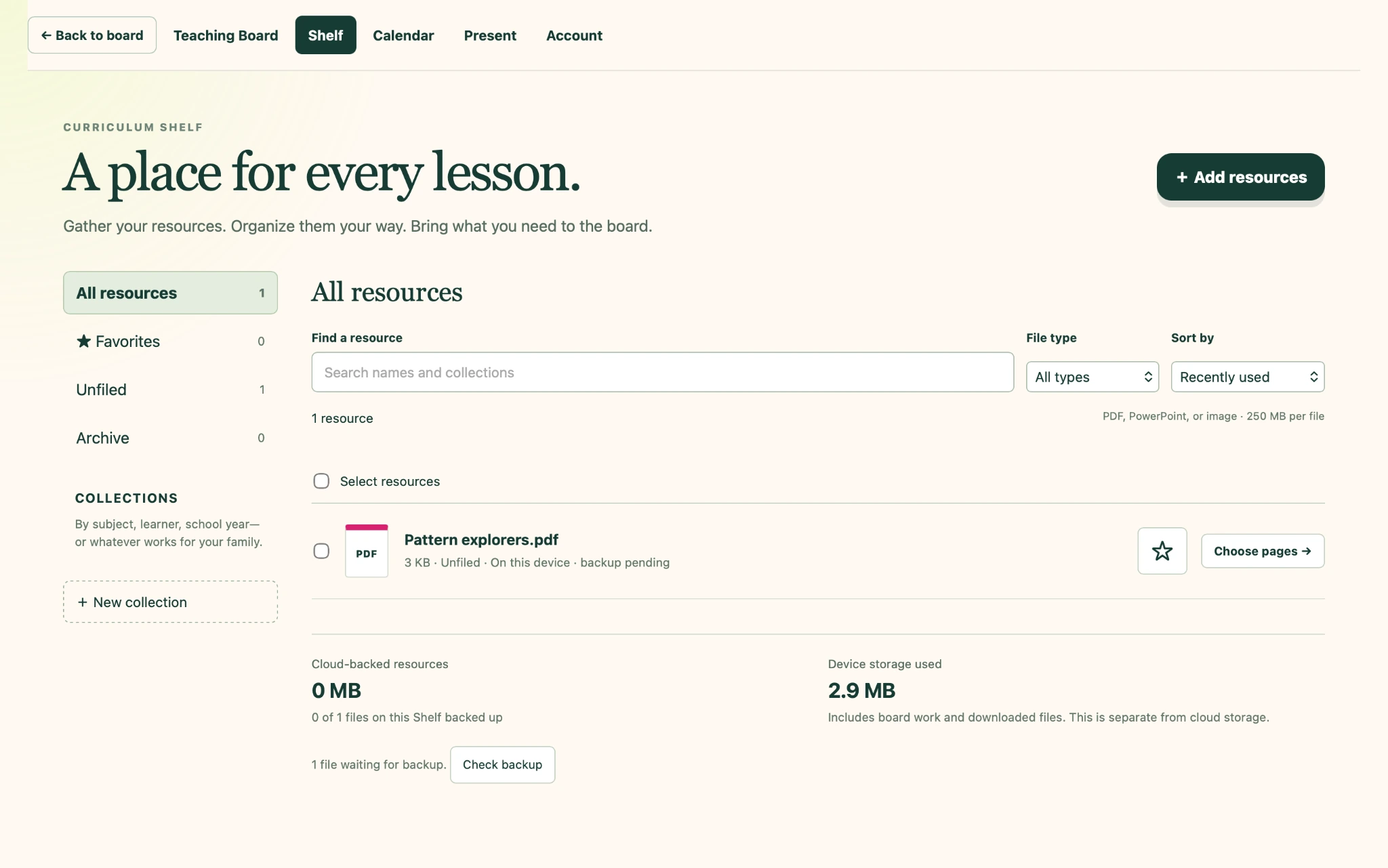
Return to the PDF you already brought in and choose the page for today.
View the full picture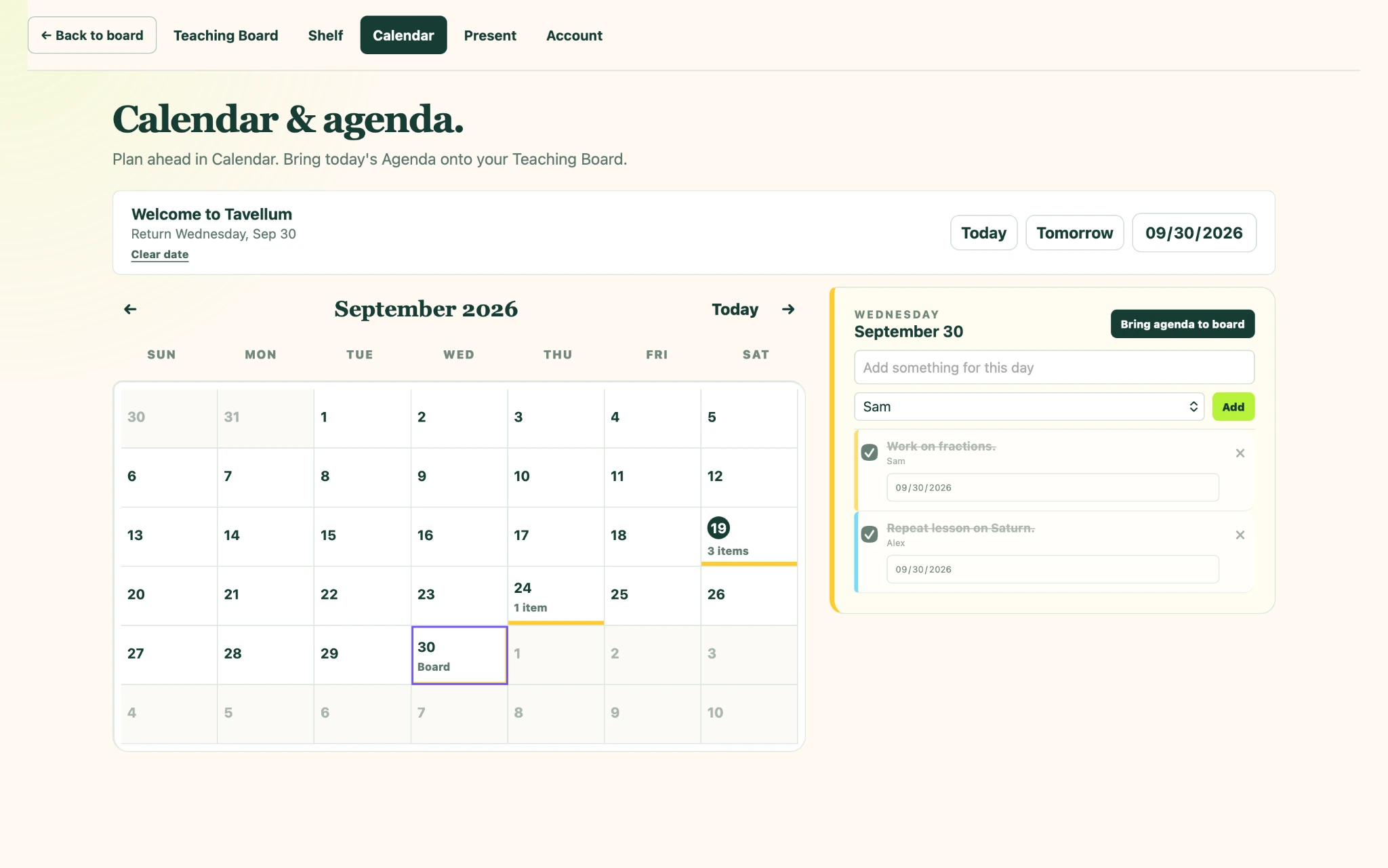
Keep a dated plan for your learners, with the agenda ready to bring onto the board.
View the full picture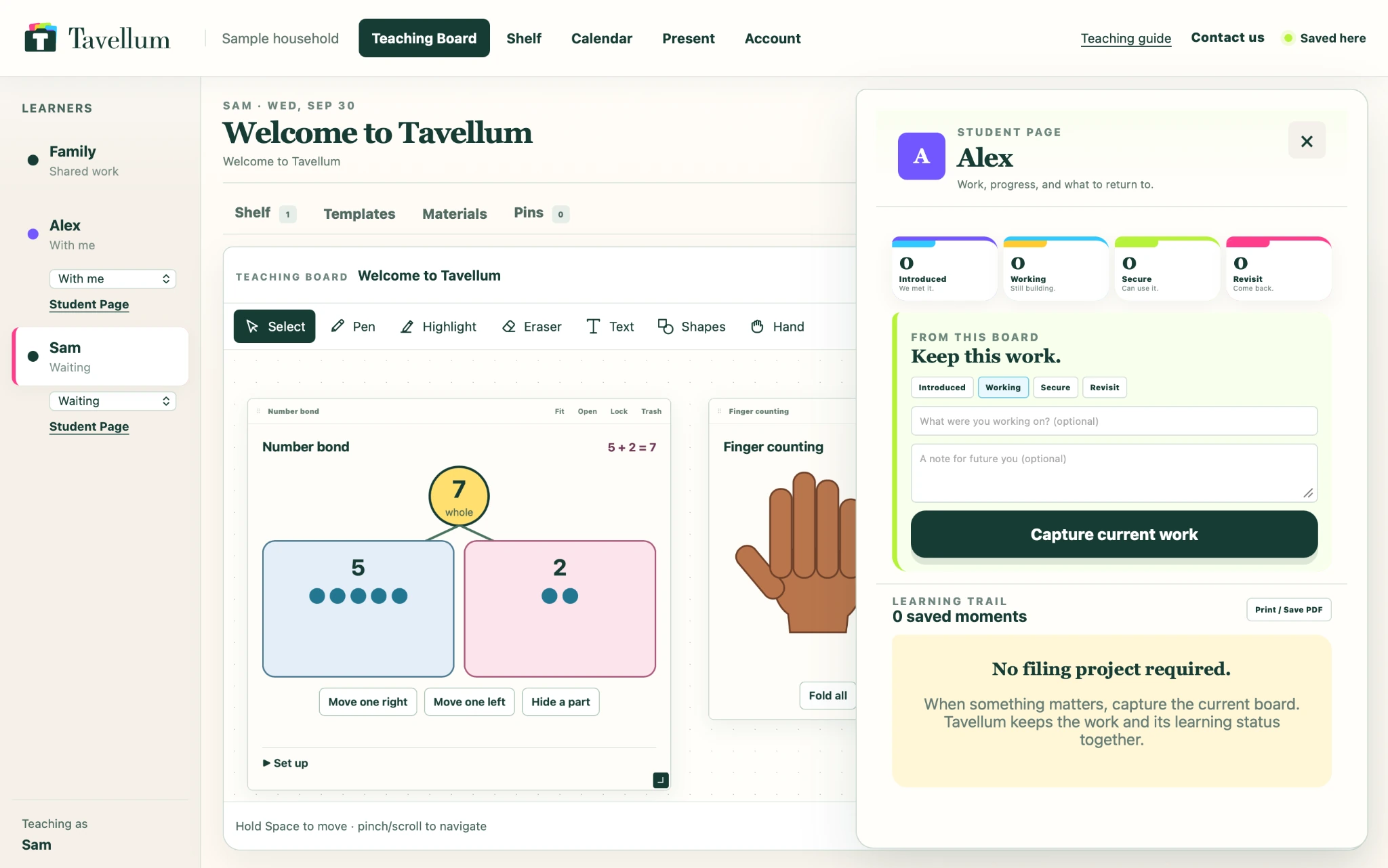
Choose a learning status, add a note, and capture the current work.
View the full pictureGive a PDF, PowerPoint, or picture the whole screen. Write, highlight, and point as the lesson unfolds. Your writing stays with its page.
Keep text, shapes, the pen, highlighter, eraser, and pointer within reach. Move between pages, zoom in, or tuck the extra controls away.
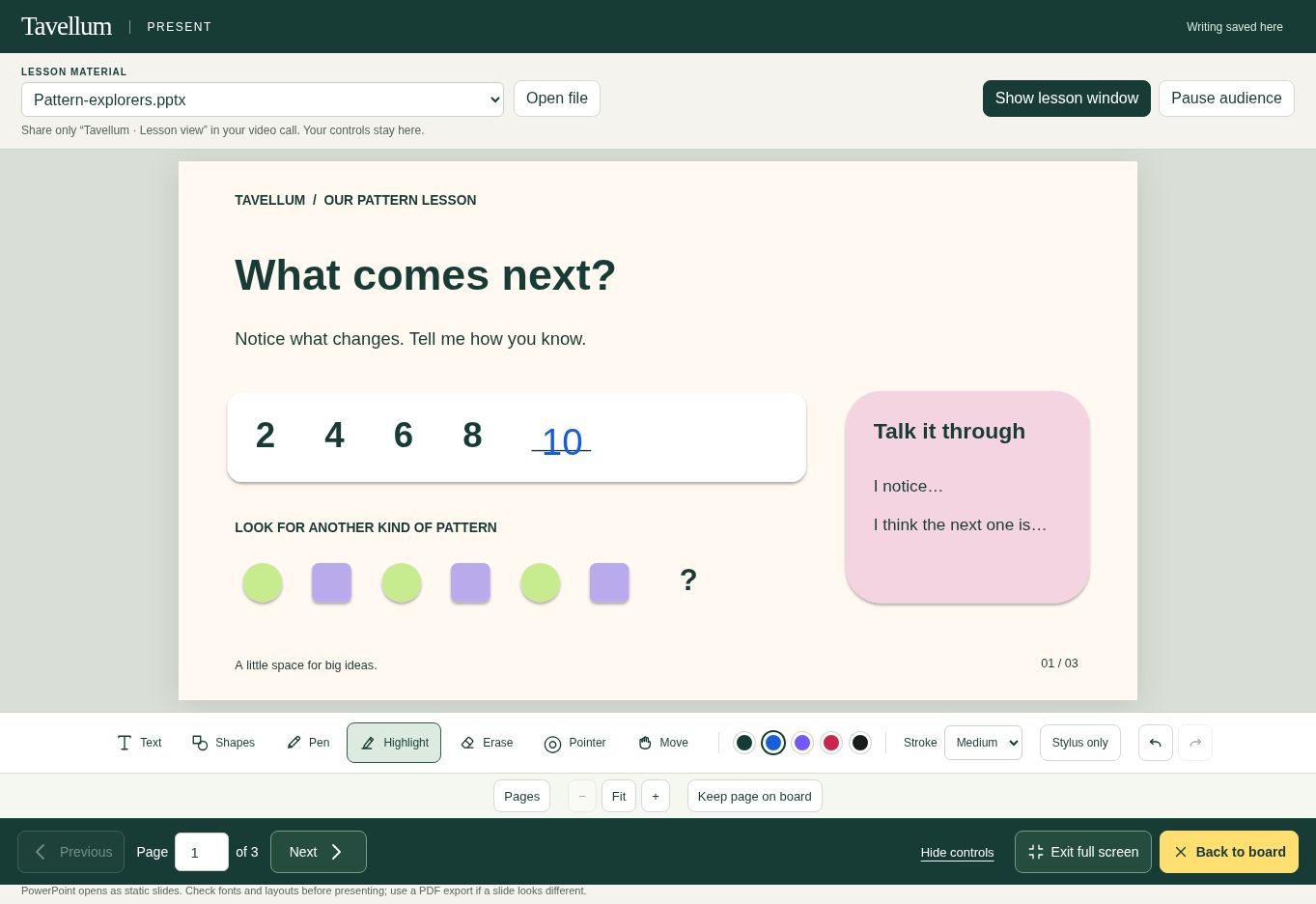
Open the separate lesson window and select it in your video call’s screen-share menu. The page and your writing appear there; your Prep notes and teaching controls stay with you.
Need a moment? Pause the audience view while you get the next page ready.
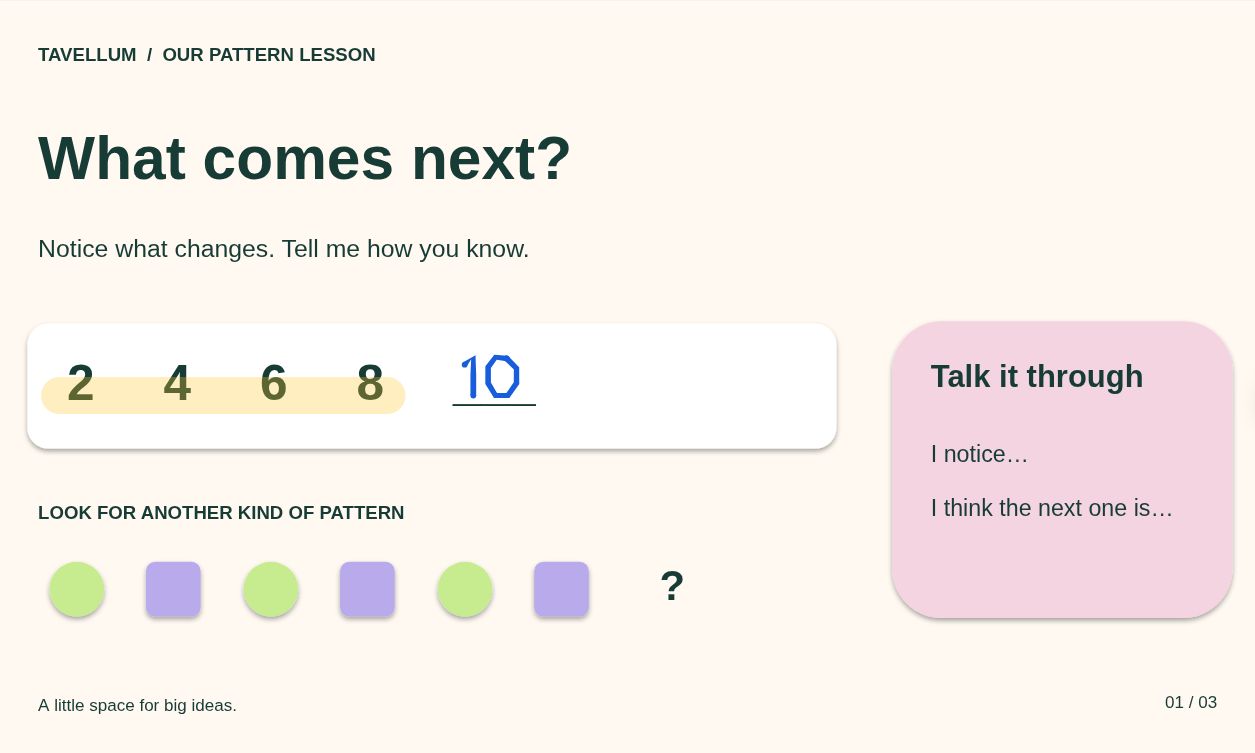
PowerPoint files open as still slides. For animations or embedded video, use the original presentation app.